Mastering Watercolor & Grungy Brush Strokes
There is a distinct satisfaction in seeing a digital design break free from the rigid, pixel-perfect lines that often characterize computer-generated art. This is where Watercolor Brush sets and Grungy Brush Strokes come into play, offering a bridge between the organic unpredictability of traditional media and the efficiency of modern software. Whether you are a seasoned graphic designer looking to speed up your workflow or a small business owner trying to create a unique brand identity without a steep learning curve, understanding how to leverage these tools can transform your creative output.
At their core, these digital assets are designed to replicate the texture, flow, and imperfection of physical paint and ink. A watercolor brush mimics the way pigment bleeds into paper, creating soft edges and translucent layers. In contrast, grungy strokes offer a rougher, more tactile feel, reminiscent of dry brushing, stamping, or distressed surfaces. When combined, they allow creators to add depth, emotion, and a human touch to projects that might otherwise feel sterile or overly corporate.
Why Texture Matters in Modern Design
In an era where digital content is consumed at lightning speed, standing out requires more than just clean typography and flat colors. Audiences crave authenticity. The slight irregularity of a grungy brush stroke can convey energy, rebellion, or vintage charm, while a delicate watercolor wash can evoke calmness, elegance, or creativity. These elements help tell a story before the viewer even reads a single word.
For entrepreneurs and marketers, this translates to higher engagement. A social media banner featuring hand-painted elements often feels more personal and approachable than a standard stock photo layout. Similarly, educators and bloggers can use these textures to make instructional materials feel less like a textbook and more like a personalized notebook, fostering a better connection with their audience.
The Power of Versatile File Formats
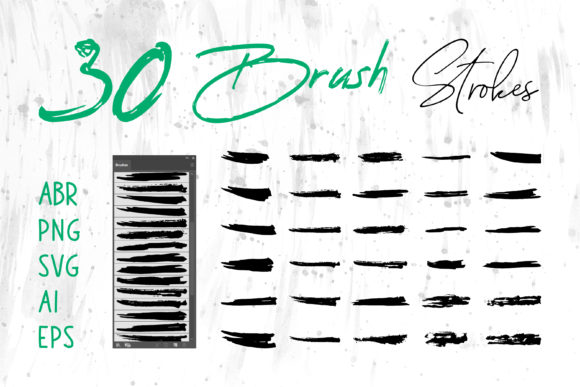
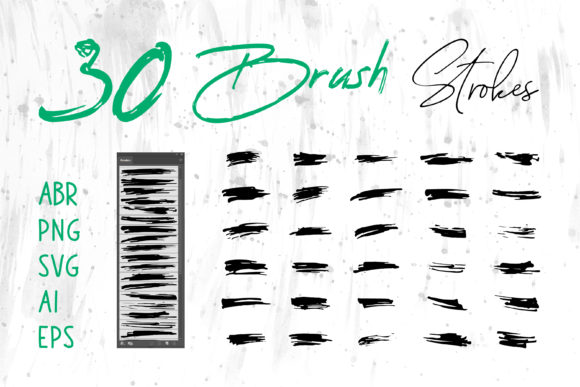
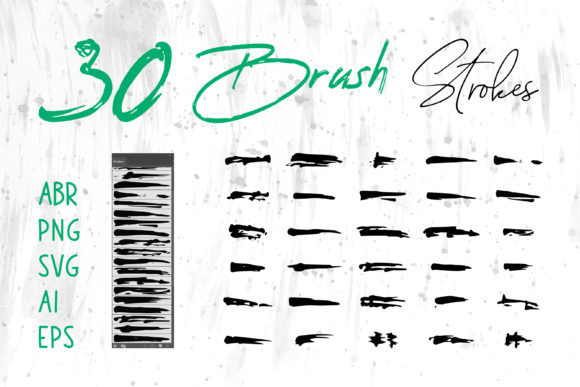
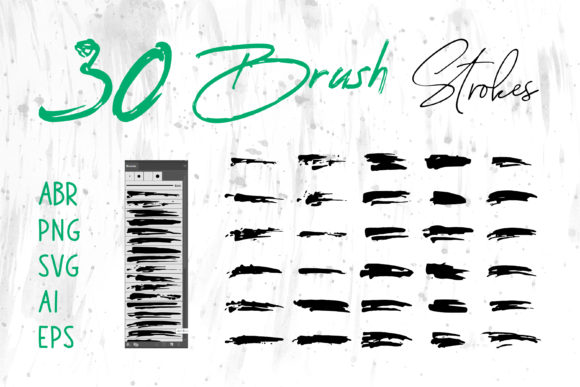
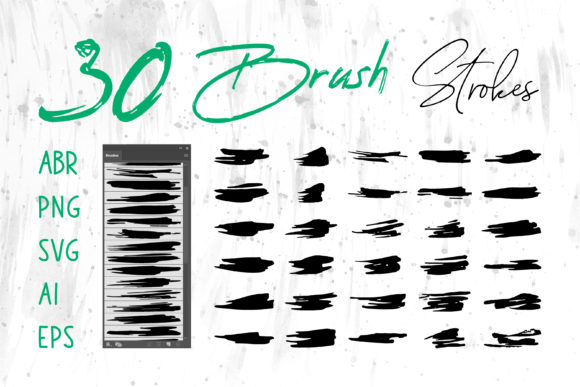
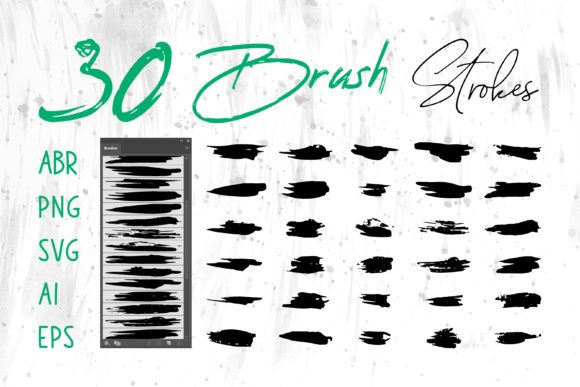
One of the most significant hurdles for creators is compatibility. You might have a brilliant idea for a t-shirt design but find yourself stuck because your software doesn't support the file type you purchased. This is why having access to a comprehensive pack including ABR, PNG, SVG, AI, and EPS formats is a game-changer. It ensures that no matter what tool you prefer, you have the right key to unlock your creativity.
Here is how these different formats serve specific needs across various platforms:
- ABR (Adobe Photoshop Brushes): Perfect for digital painters who want to apply strokes dynamically. You can vary pressure, opacity, and flow directly within Photoshop, making it ideal for creating custom illustrations or photo overlays.
- ProCreate Brushes: Tailored for iPad users, these allow artists to sketch and paint on the go, capturing the spontaneity of ideas wherever they strike.
- PNG (Portable Network Graphics): These are ready-to-use images with transparent backgrounds. They are incredibly user-friendly for those using MS Word, MS PowerPoint, or Canva. Simply drag and drop a grunge element onto your slide or document to instantly elevate the visual appeal.
- AI and EPS (Vector Files): Essential for scalability. If you are designing a logo or packaging that needs to be printed on anything from a business card to a billboard, vector files ensure your brush strokes remain crisp and sharp at any size. These work seamlessly in Adobe Illustrator and InDesign.
- SVG (Scalable Vector Graphics): The gold standard for web design. Using SVGs for website headers or icons ensures fast loading times and perfect rendering on all screen resolutions.
Practical Applications Across Industries
The utility of these brush strokes extends far beyond fine art. Let's look at some realistic scenarios where these assets solve real-world problems.
Branding and Logo Design: A coffee shop wanting to emphasize its artisanal, hand-roasted beans might use a rough, grungy stamp effect in their logo to suggest tradition and earthiness. Conversely, a wedding planner could utilize soft watercolor blooms to communicate romance and delicacy. Because you receive files in AI and EPS formats, these logos can be scaled for storefront signage or embroidered on uniforms without losing quality.
Packaging and Product Labels: In the crowded marketplace of craft beers, organic soaps, or boutique candles, packaging is the first point of contact. Applying a watercolor background or a distressed border can make a product feel premium and curated. Designers can use Adobe InDesign to lay out the label, importing high-resolution PNGs or vector strokes to create a unique look that distinguishes the product from mass-produced competitors.
Digital Marketing and Social Media: Content creators often need to produce visuals quickly. Having a library of pre-made brush strokes in PNG format allows a marketer to assemble a professional-looking Instagram story or Facebook ad in minutes. Instead of spending hours painting a background, they can layer a few grunge textures, add their text, and publish. This efficiency is crucial for maintaining a consistent posting schedule.
Educational Materials and Presentations: Teachers and corporate trainers can break the monotony of bullet points by incorporating artistic elements into their slides. A watercolor splash behind a key statistic in PowerPoint draws the eye and aids retention. For handouts created in MS Word, these graphics can turn a plain flyer into an engaging invitation for a school event or workshop.
Craft Projects and DIY: For hobbyists involved in digital scrapbooking or creating printable planners, these brushes offer endless customization. You can create unique journal covers, greeting cards, or wall art prints. The ability to manipulate these elements in software like ProCreate allows for a deeply personal touch that pre-made clip art often lacks.
Things to Consider Before You Start
While these tools are powerful, getting the best results requires a bit of know-how. First, consider the resolution of your final output. If you are working with PNG files for print, ensure the resolution is high enough (usually 300 DPI) to avoid pixelation. For large-scale printing like banners or t-shirts, always default to the vector files (AI, EPS, SVG) whenever possible.
Secondly, think about layering. The magic of watercolor and grunge effects often happens when you blend them. Don't be afraid to overlay a soft watercolor wash with a sharp grunge splatter to create contrast. Most design software allows you to change blending modes (like "Multiply" or "Overlay") to integrate these strokes naturally with your background colors and photos.
Finally, keep your brand consistency in mind. While it is tempting to use every cool brush in the pack, restraint is key. Choose a specific style of stroke that aligns with your message and stick with it across your website, social media, and printed materials. This creates a cohesive visual language that makes your brand recognizable.
Ultimately, integrating Watercolor Brush and Grungy Brush Strokes into your toolkit is about expanding your creative vocabulary. It gives you the freedom to experiment with texture and mood without needing years of traditional painting training. With the right files in hand—whether you are editing in Photoshop, illustrating on an iPad, or drafting a presentation in Word—the possibilities for creating stunning, human-centric designs are limitless.