Master Texture: The Ultimate Watercolor & Grungy Brush Set
In the fast-paced world of digital design, texture is often the missing ingredient that separates a flat, generic layout from a piece of art that feels alive and tactile. Whether you are a seasoned graphic designer, a small business owner creating your own marketing materials, or a hobbyist looking to elevate your digital scrapbooks, the right tools make all the difference. This is where a comprehensive Watercolor Brush Set combined with a Grungy Brush collection becomes an indispensable asset. These aren't just simple stamps; they are versatile instruments designed to inject organic warmth, depth, and character into projects across every medium imaginable.
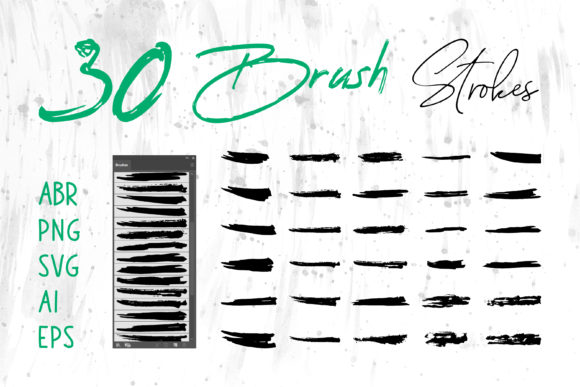
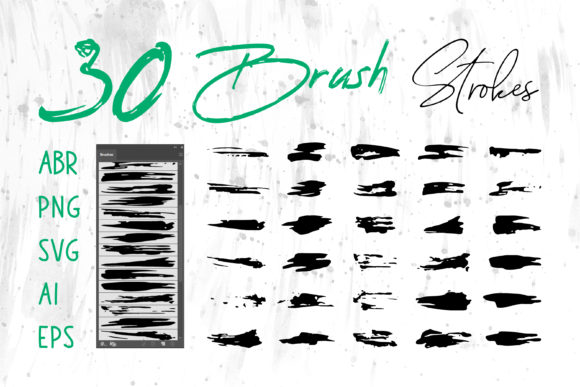
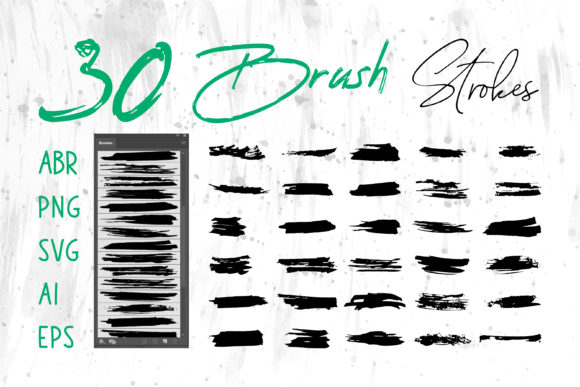
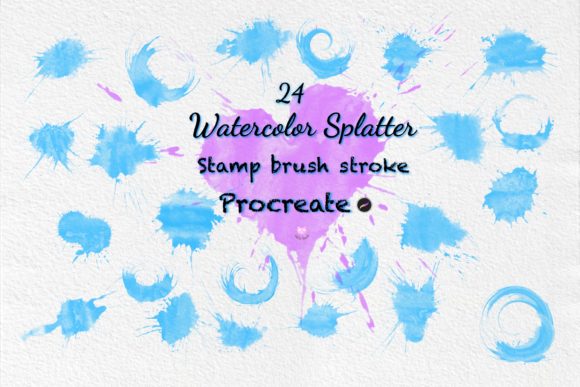
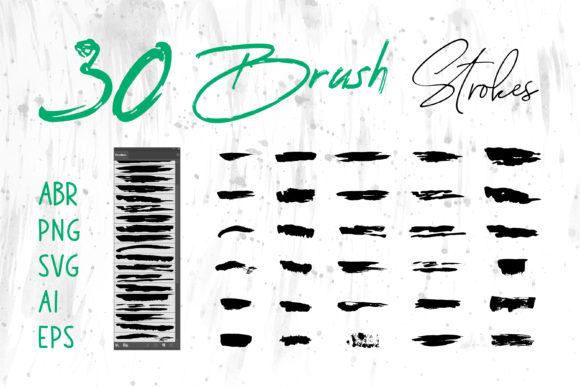
The core value of this collection lies in its adaptability. Unlike standard brush packs that limit you to a single software ecosystem, this suite includes files in ABR for Photoshop, native formats for Procreate, and vector-based assets like SVG, AI, EPS, and high-resolution PNG. This multi-format approach ensures that whether you are sketching on an iPad during a commute or finalizing a print-ready billboard in Adobe Illustrator, you have the exact tool needed for the job. The inclusion of raster and vector formats means you can scale your designs infinitely without losing quality or apply complex textures that interact naturally with light and shadow.
Why Organic Textures Matter in Digital Design
Digital perfection can sometimes feel cold. Pixels are precise, lines are straight, and colors are uniform. While this has its place, human eyes are drawn to imperfection. A Watercolor Brush Set mimics the unpredictable flow of pigment on paper, offering soft edges, bleeding colors, and natural transparency. When paired with a Grungy Brush, which introduces grit, wear, and tear, you create a visual language that speaks of authenticity.
These textures bridge the gap between the digital and physical worlds. For marketers and entrepreneurs, this translates to higher engagement. Social media users scroll past polished, stock-photo aesthetics but stop for content that feels handcrafted and unique. Using these brushes allows you to build a brand identity that feels approachable and human. It suggests that there is a person behind the screen, caring about the details. This subtle psychological cue can significantly boost trust and connection with your audience.
Unmatched Versatility Across Software Platforms
One of the most frustrating aspects of buying digital assets is compatibility. You purchase a pack, only to find it doesn't work in your preferred program. This collection eliminates that friction. Here is how you can leverage the different file types included:
- Adobe Photoshop (ABR): Perfect for photo manipulation, digital painting, and adding textured overlays to images. The pressure sensitivity works seamlessly with tablets, allowing for dynamic stroke width and opacity.
- Procreate: Ideal for illustrators and lettering artists working on iPads. The brushes retain their organic feel on touch screens, making them great for quick sketches or finished illustrations.
- Adobe Illustrator (AI, EPS, SVG): These vector files are crucial for logo design and large-scale printing. You can resize a grunge element for a business card or a building wrap without any pixelation.
- MS Word & PowerPoint: Yes, even office software benefits. Insert PNGs to break up text-heavy slides or add a watercolor header to a professional proposal, making your documents stand out in a sea of bland templates.
- Adobe InDesign: Essential for book covers, magazines, and packaging layouts where high-resolution texture needs to sit perfectly alongside typography.
Real-World Applications for Creators and Businesses
The utility of a Watercolor Brush Set and Grungy Brush extends far beyond fine art. Let's look at specific scenarios where these tools solve real problems.
Branding and Logo Design: Many modern brands are moving away from sterile corporate logos toward something more artisanal. A coffee shop, a boutique clothing line, or a craft brewery can use grunge strokes to create a logo that feels established and rugged. Conversely, a wellness coach or children's book author might use soft watercolor blooms to convey gentleness and creativity. Because you receive vector files, you can manipulate these strokes to form unique monograms or icons that are legally distinct and scalable.
Packaging and Product Labels: First impressions happen on the shelf. Using textured backgrounds created with these brushes can give your product packaging a premium, hand-labeled feel. Imagine a honey jar label with a subtle watercolor wash background or a streetwear clothing tag featuring a distressed grunge stamp. These details justify a higher price point by signaling quality and attention to detail.
Social Media and Web Banners: Content creators need to produce visuals quickly without sacrificing style. Instead of searching for hours for the perfect background image, you can generate custom banners in minutes. Layer a watercolor splash behind your text in Canva or Photoshop, add a grunge overlay for contrast, and you have a unique asset that no one else has. This consistency helps in building a recognizable visual identity across Instagram, Facebook, and your website.
Educational Materials and Presentations: Teachers and corporate trainers can transform boring slide decks into engaging visual stories. Using watercolor elements to highlight key points or grunge borders to frame photos makes the material more memorable. It breaks the monotony of bullet points and keeps the audience visually stimulated.
Maximizing Efficiency and Workflow
Time is money, especially for freelancers and agency owners. Having a go-to library of high-quality brushes streamlines the creative process. Instead of trying to manually paint a texture from scratch or hunting for free resources that often come with restrictive licenses, you have a professional toolkit ready to deploy.
The variety in the set allows for rapid prototyping. You can test a "clean" watercolor look against a "dirty" grunge aesthetic in seconds to see what resonates best with your client or audience. Furthermore, because the files are optimized for different software, you don't waste time converting formats or troubleshooting compatibility errors. You simply import, apply, and create.
Practical Considerations for Selection and Use
While these tools are powerful, using them effectively requires a bit of strategy. When incorporating a Watercolor Brush Set or Grungy Brush into your work, consider the context. Overusing texture can clutter a design and make it hard to read. The key is balance. Use grunge elements to add depth to backgrounds but keep foreground text crisp and legible. Use watercolor strokes to guide the eye or frame content, not to overwhelm it.
Also, pay attention to color theory. Watercolors rely on transparency and layering. Experiment with blending modes in Photoshop or Procreate (like Multiply, Overlay, or Screen) to integrate the brush strokes naturally with your underlying colors. For vector files in Illustrator, remember that you can ungroup the elements and recolor them instantly to match your brand palette, a feature that raster images cannot offer.
Finally, think about the medium of delivery. If you are designing for digital screens, PNGs with transparent backgrounds are your best friend for quick composition. If the end goal is a large format print, such as a banner or book cover, always default to the vector (AI/EPS/SVG) or high-resolution PNG files to ensure sharpness. Understanding these nuances ensures that your final output looks professional regardless of where it is displayed.
Investing in a diverse collection like this empowers you to stop compromising on your vision. Whether you are crafting a wedding invitation, designing a t-shirt graphic, or building a corporate presentation, having access to both the fluidity of watercolor and the edge of grunge gives you the full spectrum of expression. It turns ordinary projects into extraordinary experiences, proving that in design, the details truly define the outcome.