Choosing the Right Watercolor Paint Brush and Brush Strokes for Your Creative Workflow
Selecting the appropriate digital tools for artistic expression often comes down to understanding the nuance between texture, flexibility, and file compatibility. For designers, illustrators, and crafters, watercolor paint brush assets and pre-rendered brush strokes serve as foundational elements that can accelerate workflow while maintaining an organic aesthetic. Unlike standard vector shapes or flat color fills, watercolor simulations rely on complex transparency layers, grain textures, and irregular edges to mimic the behavior of pigment on paper. When evaluating resources for your next project, it is essential to distinguish between dynamic brush tools that require manual application and static stroke files designed for immediate placement.
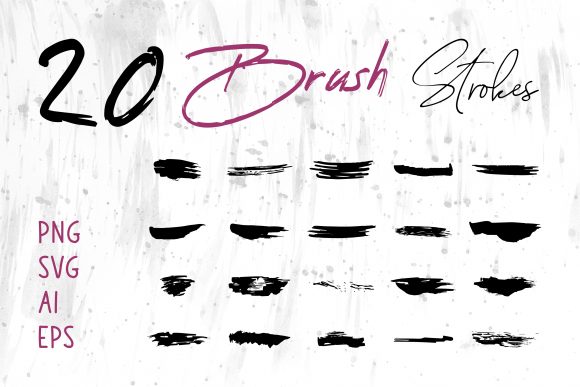
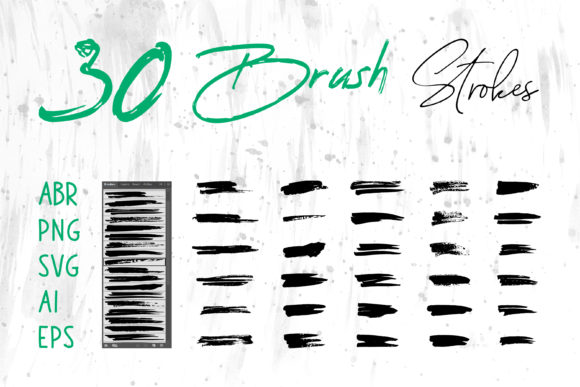
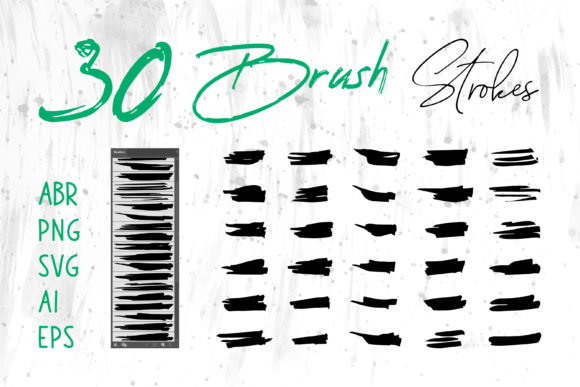
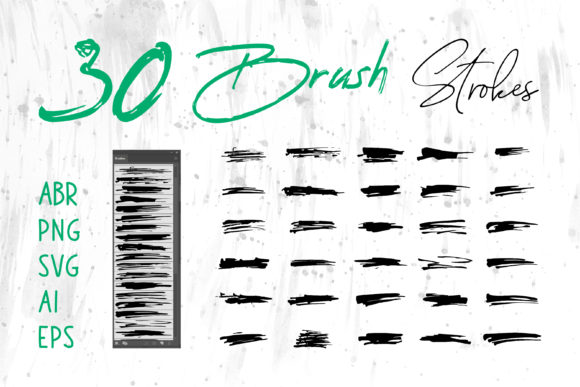
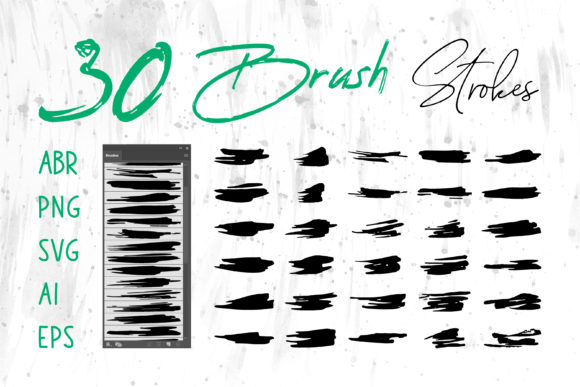
The market offers a vast array of these assets, ranging from simple PNG overlays to sophisticated brush engines compatible with industry-standard software. A comprehensive collection typically includes formats like ABR for Adobe Photoshop, Brush Strokes.ai for Adobe Illustrator, and native files for Procreate on iPad. Additionally, versatile formats such as PNG, SVG, AI, and EPS ensure that these graphics can be integrated into diverse environments, including MS Word, MS PowerPoint, and various web design platforms. Understanding the specific strengths and limitations of each format is crucial for determining whether a particular set of watercolor assets aligns with your technical requirements and creative goals.
Distinguishing Between Dynamic Brushes and Static Stroke Files
One of the first decisions you must make when sourcing watercolor assets is whether you need a dynamic brush tool or a library of static strokes. A watercolor paint brush file, such as an ABR file for Photoshop or a brush set for Procreate, functions as a tool. It allows you to paint freely, controlling pressure, opacity, flow, and direction in real-time. This approach is ideal for artists who require full control over the composition, enabling them to build up layers of color and create unique textures that respond to their hand movements. The trade-off here is time; achieving a specific look requires skill and experimentation with the software's brush engine settings.
In contrast, brush strokes provided as individual graphic files (such as PNG, SVG, or AI) are pre-rendered elements. These are "what you see is what you get" assets. You do not paint with them; instead, you place, resize, and recolor them within your layout. This method is significantly faster for non-illustrators or designers working on tight deadlines. For instance, if you are designing a book cover or a social media banner and need a specific splash of color to frame a title, dragging and dropping a high-resolution PNG stroke is far more efficient than painting one from scratch. However, the limitation lies in customization; while you can change the hue of a vector stroke, you cannot easily alter the internal texture or the way the pigment bleeds without advanced editing.
Evaluating File Formats for Compatibility and Scalability
The utility of any watercolor asset collection is heavily dependent on the file formats included. A robust package should offer a variety of types to accommodate different software ecosystems. ABR files are the gold standard for raster-based editing in Adobe Photoshop, offering deep integration with tablet pressure sensitivity. Similarly, Procreate brushes are essential for mobile illustrators who prefer working on iPads. These formats excel in scenarios where the final output is a raster image, such as digital paintings, textured backgrounds, or social media graphics intended for screen display.
However, for projects requiring infinite scalability, such as logo design, large-format packaging, or t-shirt prints, vector formats are superior. Files like Brush Strokes.ai, SVG, AI, and EPS allow you to resize elements without any loss of quality. This is a critical distinction. If you attempt to enlarge a raster PNG stroke for a billboard or a large apparel print, the image will pixelate and lose its crisp edges. Vector watercolor strokes simulate the organic look of paint using mathematical paths and mesh gradients, providing the best of both worlds: the aesthetic of traditional media with the flexibility of digital vector graphics. Furthermore, vector files are often easier to edit in programs like Adobe Illustrator, allowing you to ungroup elements and manipulate specific parts of a stroke.
Cross-platform compatibility is another vital factor. Not every user has access to the Adobe Creative Cloud suite. Including universal formats like PNG with transparent backgrounds ensures that these assets can be used in MS Word, MS PowerPoint, Canva, Google Slides, and basic photo editors. This versatility makes a multi-format collection valuable for educators, business professionals, and crafters who may need to add a touch of artistic flair to presentations, invitations, or digital scrapbooks without learning complex design software.
Practical Applications Across Design and Craft Projects
The application of watercolor assets extends far beyond fine art illustration. In the realm of branding and logo design, watercolor elements can soften a corporate identity, making it appear more approachable and artisanal. A well-chosen brush stroke can serve as a unique backdrop for a monogram or a decorative underline for a business name. When used in packaging design, these textures add a tactile feel that suggests quality and handcrafted attention to detail, which is particularly effective for organic products, cosmetics, or gourmet foods.
For craft projects and card making, the availability of high-resolution PNGs allows users to print elements at home or send them to professional printers for cutting machines. The ability to layer these strokes creates depth in digital scrapbooks and invitations. In web design, subtle watercolor textures can break up the rigidity of grid layouts, adding warmth to website headers or call-to-action buttons. However, it is important to consider load times; while PNGs are convenient, optimized SVGs are often preferable for web use as they maintain clarity on high-DPI screens while keeping file sizes small.
When creating content for social media banners or T-shirt designs, the choice between raster and vector becomes a production decision. T-shirt printing, especially screen printing or direct-to-garment (DTG), often requires vector artwork to ensure clean separation of colors and sharp lines. Using an EPS or AI file derived from a watercolor brush stroke collection ensures that the design remains crisp regardless of the garment size. Conversely, for a quick Instagram story or a Facebook post, a ready-made PNG stroke provides instant visual interest without the need for complex file preparation.
Making the Right Choice: Tradeoffs and Decision Factors
Ultimately, the decision to utilize a specific set of watercolor paint brush tools or brush strokes depends on your workflow, skill level, and end-use requirements. If your primary goal is speed and consistency across multiple documents, a library of pre-made strokes in vector and raster formats is likely the superior choice. This approach minimizes the learning curve and ensures that every element looks identical, which is beneficial for maintaining brand consistency in presentations or marketing materials.
On the other hand, if your work demands unique, non-repetitive textures and you possess the skills to manipulate digital paint engines, investing time in mastering ABR or Procreate brushes will yield more organic and bespoke results. The trade-off is the time investment required to master the tool versus the immediate utility of a drag-and-drop asset. It is also worth noting that many professional workflows utilize a hybrid approach: using dynamic brushes to create base textures and then incorporating static vector strokes for precise layout elements.
Before downloading or purchasing a collection, verify the included formats against your software capabilities. Ensure that the resolution of raster files meets your printing needs (typically 300 DPI for print) and that vector files are properly expanded or grouped for easy editing. By carefully evaluating these factors, you can select a resource that not only enhances your creative output but also integrates seamlessly into your existing design process, whether you are crafting a book cover, designing a logo, or assembling a digital scrapbook.