Unlocking Creative Potential: The Ultimate Guide to Versatile Ink Brush Strokes for Every Designer
In the rapidly evolving world of digital design, the line between traditional artistry and modern technology has become beautifully blurred. At the heart of this fusion lies the ink brush collection, a powerful toolset that allows creators to infuse their work with the organic, dynamic energy of hand-painted strokes while maintaining the flexibility of digital editing. Whether you are a seasoned graphic designer, a hobbyist crafter, or a business owner looking to elevate your brand identity, understanding the versatility of brush strokes available in multiple formats is essential for unlocking your full creative potential.
What Makes Digital Ink Brushes Essential?
Digital ink brushes are not merely pre-made images; they are sophisticated assets designed to mimic the texture, flow, and imperfection of real ink on paper. Unlike standard geometric shapes or flat colors, these brush strokes carry an emotional weight. They suggest movement, urgency, elegance, or chaos, depending on how they are applied. In an era where audiences are bombarded with sterile, computer-generated perfection, the human touch offered by ink textures provides a refreshing sense of authenticity.
The significance of these tools extends beyond aesthetics. They serve as a bridge between concept and execution. For beginners, they offer a shortcut to professional-looking results without needing years of calligraphy training. For experienced artists, they provide a foundational layer upon which complex compositions can be built, saving time on repetitive texturing tasks while ensuring high-quality output.
The Power of Multi-Format Compatibility
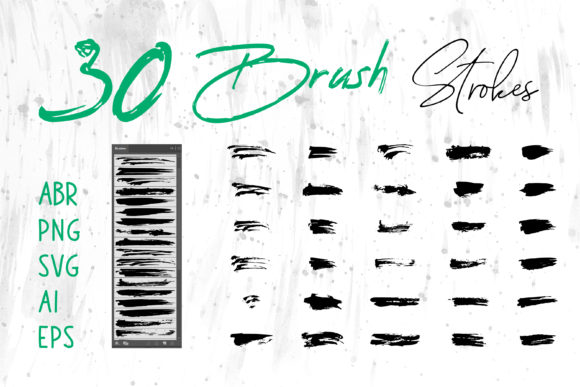
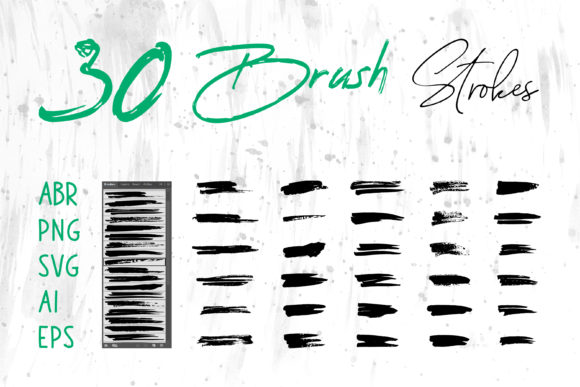
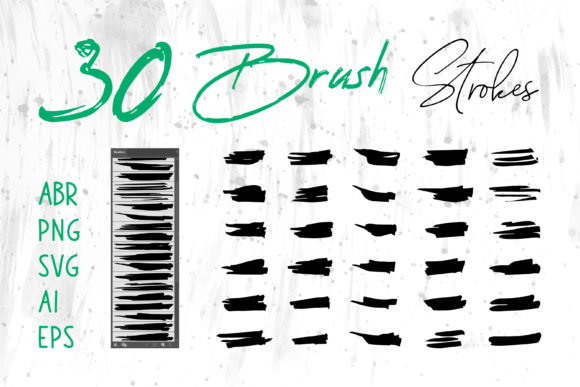
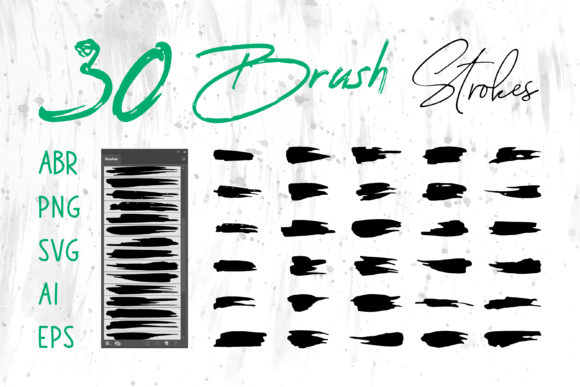
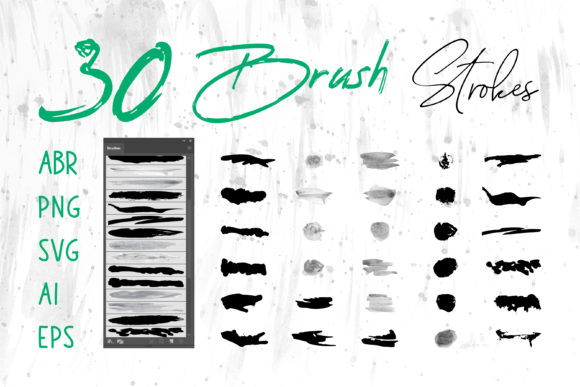
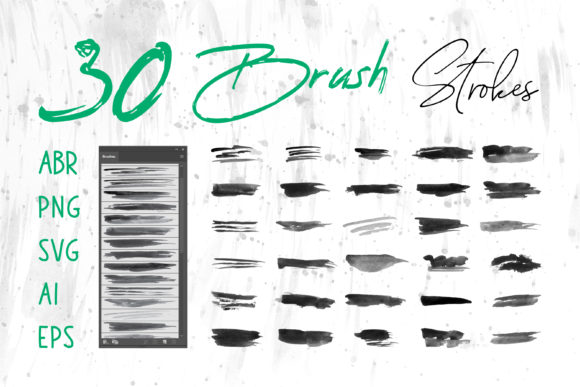
One of the most common misunderstandings in the design community is the belief that a brush purchased for one software is useless in another. This limitation often stifles creativity and forces designers to purchase redundant assets. However, a truly comprehensive Ink Brush Collection breaks down these silos by including files in a wide array of formats: .ABR, .PNG, .SVG, .AI, and .EPS.
Let's explore why this variety matters and how each format serves a specific purpose in your workflow:
- ABR (Adobe Photoshop): These are live brush tips. When loaded into Photoshop, they allow you to paint freely, controlling pressure, opacity, and flow just as you would with a physical pen. This is ideal for digital painting and adding custom textures to photos.
- ProCreate Brushes: Specifically optimized for iPad users, these files bring the same tactile experience to mobile devices, allowing artists to create on the go with the same fidelity as desktop software.
- PNG (Portable Network Graphics): These are high-resolution raster images with transparent backgrounds. They are universally compatible and can be dragged and dropped into almost any application, including MS Word and MS PowerPoint, making them perfect for quick presentations or documents where vector editing isn't required.
- SVG, AI, and EPS (Vector Formats): This is where the magic happens for scalability. Vector files mathematically define the shape of the brush stroke rather than using pixels. This means you can resize a logo or a banner from the size of a business card to a billboard without losing any quality. These formats are native to Adobe Illustrator but can be imported into many other vector-based tools.
Practical Applications Across Industries
The utility of a diverse brush stroke library extends far beyond fine art. In modern business and education, visual communication is key. Here is how these assets fit into various real-world scenarios:
Branding and Logo Design
A logo needs to be memorable. Using a unique ink stroke can give a brand a distinct personality—perhaps rugged and artisanal for a coffee shop, or fluid and elegant for a boutique fashion label. Because the collection includes AI and EPS files, designers can manipulate anchor points to customize the stroke perfectly to the brand name, ensuring the logo remains crisp at any size.
Packaging and Product Labels
In the retail sector, shelf appeal is everything. Ink textures on packaging suggest a "hand-crafted" quality that resonates with consumers looking for authenticity. Whether it's a splash of ink behind a product name on a beverage bottle or a textured background on a cosmetic box, these elements draw the eye and convey premium quality.
Digital Media and Web Design
Websites and social media banners often suffer from looking too rigid. Incorporating PNG or SVG brush strokes can soften the user interface, guide the viewer's eye to call-to-action buttons, or add artistic flair to hero sections. For social media managers, having ready-to-use strokes means creating engaging Instagram stories or Facebook headers in minutes rather than hours.
Education and Corporate Presentations
Even in non-design fields, visuals matter. Teachers creating digital scrapbooks or educational materials can use these brushes to make lessons more engaging. Similarly, corporate professionals using MS PowerPoint can replace boring bullet points with dynamic ink underlines or background accents to keep their audience attentive during pitches.
Clarifying Common Misconceptions
There is a prevailing assumption that using pre-made brush strokes constitutes "cheating" or lacks originality. This view overlooks the reality of modern creative workflows. Just as a photographer chooses a specific lens or a writer selects a particular font, a designer choosing a specific brush stroke is making a curatorial decision. The artistry lies in how these elements are combined, colored, layered, and integrated into a larger composition.
Furthermore, many users assume that vector files (AI, EPS, SVG) look artificial compared to raster files (PNG, ABR). While vectors are mathematically smooth, modern collections often include textured vectors that retain the gritty, organic feel of real ink while offering the benefit of infinite scalability. Understanding the difference allows you to choose the right tool for the job: use raster for rich, pixel-based texture in photos, and vectors for clean, scalable graphics in print and logos.
Building a Broader Creative Toolkit
To truly master these tools, one must experiment. Do not limit yourself to black ink. One of the greatest advantages of digital brushes is the ability to change colors instantly. Try overlaying different strokes with varying blend modes like "Multiply" or "Screen" to create depth. Combine a rough, dry brush stroke with a wet, flowing one to create contrast.
Consider the following workflow for a T-Shirt design:
- Import an EPS file into Adobe Illustrator to scale the main graphic to the correct print size.
- Customize the color palette to match the fabric of the shirt.
- Add additional texture using an ABR brush in Photoshop if you need to distress the edges for a vintage look.
- Export the final file for the printer, confident that the resolution is perfect.
This seamless integration between formats is what makes a comprehensive collection invaluable. It removes technical barriers, allowing you to focus on the creative vision rather than file compatibility issues.
Conclusion: Elevate Your Projects Today
The Ink Brush Collection represents more than just a set of digital files; it is a gateway to enhanced creativity and efficiency. By providing assets in ABR, ProCreate, PNG, SVG, AI, and EPS formats, these tools ensure that no matter what software you prefer—from industry giants like Adobe Creative Cloud to everyday office tools like MS Word—you have the resources you need to succeed.
Whether you are designing a book cover that needs to stand out on a virtual shelf, creating digital scrapbooks to preserve memories, or developing a logo that defines a new business, the right brush stroke can make all the difference. Embrace the versatility of these tools, experiment with their endless possibilities, and let the organic beauty of ink transform your digital projects. The fusion of tradition and technology has never been more accessible, waiting for you to pick up the digital brush and start creating.