Mastering Grunge Vector Brush and Ink Strokes
In the world of digital design, achieving an authentic, hand-crafted aesthetic often feels like a paradox. We work on sleek, high-resolution screens using precise software, yet we crave the imperfection, texture, and raw energy of analog media. This is where a comprehensive collection of Grunge Vector Brush assets and Ink Brush Strokes becomes indispensable. These tools are not merely decorative elements; they are functional bridges between the sterile precision of vector graphics and the organic chaos of traditional painting. For professionals ranging from graphic designers to small business owners, understanding how to leverage these assets can dramatically alter the visual impact of a project while streamlining the production workflow.
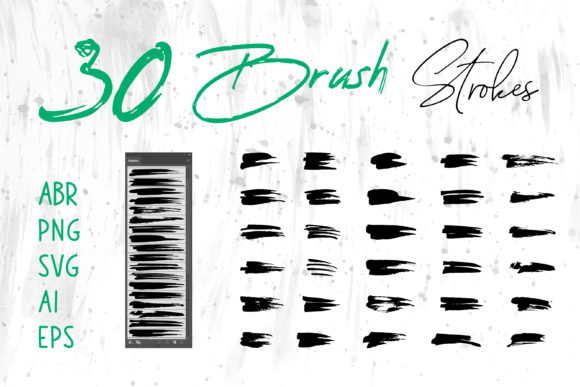
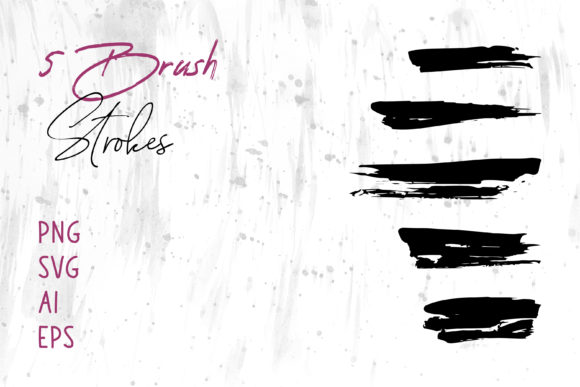
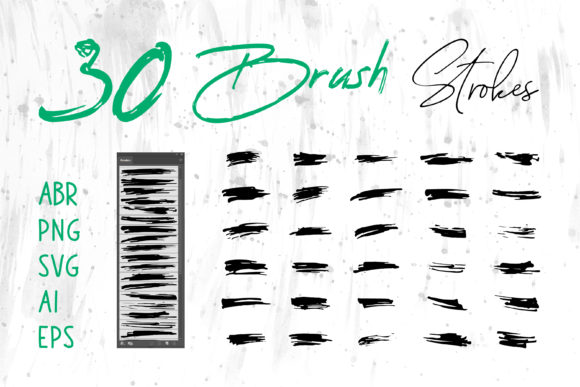
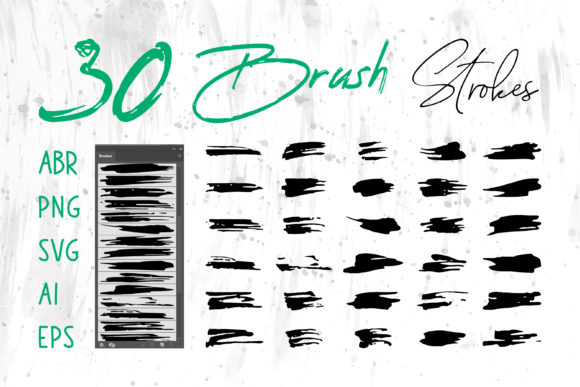
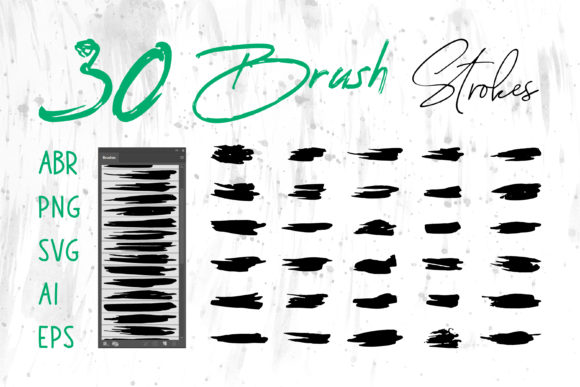
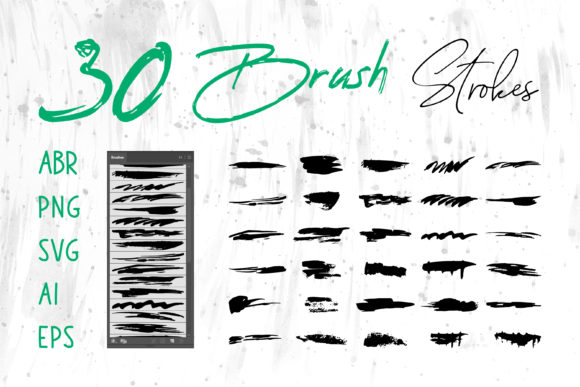
The core value of integrating Grunge Vector Brush and Ink Brush Strokes into your toolkit lies in their versatility and fidelity. Unlike standard raster brushes that can pixelate when scaled, vector-based strokes maintain crisp edges regardless of size, making them ideal for everything from massive outdoor banners to intricate logo details. However, the true power of a robust asset pack is found in its format diversity. When you access files including ABR for Photoshop, ProCreate brushes, alongside PNG, SVG, AI, and EPS formats, you gain the freedom to move seamlessly across different stages of the creative process without losing quality or editability.
Streamlining Cross-Platform Workflows
One of the most significant friction points in modern design is software compatibility. A freelancer might sketch a concept on an iPad using ProCreate, refine the vectors in Adobe Illustrator, and finally composite the image in Photoshop. Without a unified set of assets, this workflow often involves tedious re-creation of elements or loss of texture quality during conversion. By utilizing a collection that includes Brush Strokes.ai for Illustrator and ABR files for Photoshop, you ensure consistency across your entire pipeline.
Consider the scenario of a branding agency developing a visual identity for a craft coffee roaster. The logo requires a rugged, hand-drawn feel to communicate authenticity. Using Ink Brush Strokes in SVG or AI format allows the designer to scale the logo for a business card or a storefront sign without any degradation. Simultaneously, the PNG versions of these strokes can be instantly dropped into social media templates or PowerPoint presentations for client pitches, ensuring the brand voice remains consistent even in non-design software like MS Word or MS PowerPoint. This interoperability saves hours of manual adjustment and ensures that the "grunge" aesthetic looks intentional rather than accidental.
Enhancing Visual Communication in Marketing
In an era where digital feeds are saturated with polished, corporate imagery, standing out requires a shift in tone. Grunge Vector Brush textures introduce a layer of human error and tactile depth that resonates emotionally with audiences. This is particularly effective for marketers and content creators aiming to evoke feelings of nostalgia, rebellion, or artisanal quality.
For example, a social media manager creating a campaign for a music festival can use Ink Brush Strokes to create dynamic dividers, background textures, or emphasis marks behind key text. The irregular edges of the ink break up the rigid grid of a social feed, drawing the eye and increasing engagement. Similarly, for email newsletters or digital scrapbooks, these elements add a personalized touch that standard stock photography cannot replicate. The ability to toggle between editable vectors (AI/EPS) for layout adjustments and ready-to-use raster images (PNG) allows for rapid iteration based on performance data.
Practical Applications Across Industries
The utility of these assets extends far beyond traditional graphic design. Entrepreneurs and hobbyists alike can find meaningful applications for Grunge Vector Brush and Ink Brush Strokes in diverse projects:
- Packaging Design: Use EPS or AI files to create unique patterns for product labels. The scalability of vectors ensures that fine ink details remain sharp on small cosmetic bottles or large shipping boxes.
- Apparel and Merchandise: T-shirt designers benefit immensely from high-contrast ink strokes. These can be easily separated for screen printing or used directly in DTG (Direct to Garment) processes, providing a vintage, worn-in look that is currently trending in streetwear.
- Publishing and Book Covers: Authors self-publishing on platforms like Amazon KDP can use these textures to give their book covers a distinct genre-appropriate feel, such as thriller or historical fiction, without hiring an expensive illustrator.
- Educational Materials: Educators creating worksheets or presentation slides can use MS PowerPoint compatible PNGs to highlight important concepts, making learning materials feel less formal and more engaging for students.
Balancing Creativity with Technical Constraints
While the benefits of Grunge Vector Brush assets are clear, it is important to approach their usage with a strategic mindset. The "grunge" aesthetic, if overused, can clutter a design and reduce readability. The most effective designs use these strokes purposefully—to frame content, add depth to a flat color, or guide the viewer's eye—rather than applying them indiscriminately as a filter.
Furthermore, understanding the difference between the file types is crucial for optimal results. If you are working on a web banner, a lightweight PNG might be preferable for faster loading times. Conversely, if you are preparing a large format print for a trade show booth, the SVG or EPS files are mandatory to ensure the printer can resolve the finest details of the ink texture. Users should also be mindful of color modes; vector files often allow for easy switching between CMYK for print and RGB for digital, whereas raster PNGs may require recreation if the color profile needs to change significantly.
Empowering Non-Designers
Perhaps the most underrated advantage of having access to pre-made Ink Brush Strokes in universal formats is the empowerment it offers to non-designers. Small business owners who manage their own marketing often lack the time or budget to commission custom illustrations. With a library of high-quality strokes compatible with MS Word and basic editing tools, they can elevate their invoices, flyers, and reports from generic to professional.
A real estate agent, for instance, could use a subtle ink border from an AI file to frame property photos in a brochure, adding a touch of elegance and customization that distinguishes their listing from competitors. Similarly, bloggers can use these elements to create custom headers for their posts, reinforcing their personal brand identity without needing to learn complex illustration software. The availability of ProCreate brushes also opens the door for those who prefer drawing on tablets to add their own custom variations to the base assets, fostering a deeper level of creativity.
Ultimately, the decision to incorporate Grunge Vector Brush and Ink Brush Strokes into your projects is a decision to prioritize character and efficiency. Whether you are designing a logo, crafting a digital scrapbook, or laying out a magazine spread, these tools provide the raw material needed to tell a compelling visual story. By selecting a comprehensive pack that covers all major formats—from ABR to SVG—you future-proof your creative assets, ensuring that no matter how your software or project requirements evolve, you have the right tool to execute your vision with precision and style.